
Dealer, repair, team and restock support
Use this path when a normal cart order is not enough: repeat stock, repair bench lists, team builds, small bulk orders or parts that need fit, quantity or substitute checking.
Send the clearest list you have. Exact links are helpful, but product names, models, specs, photos or similar references can also start the conversation.
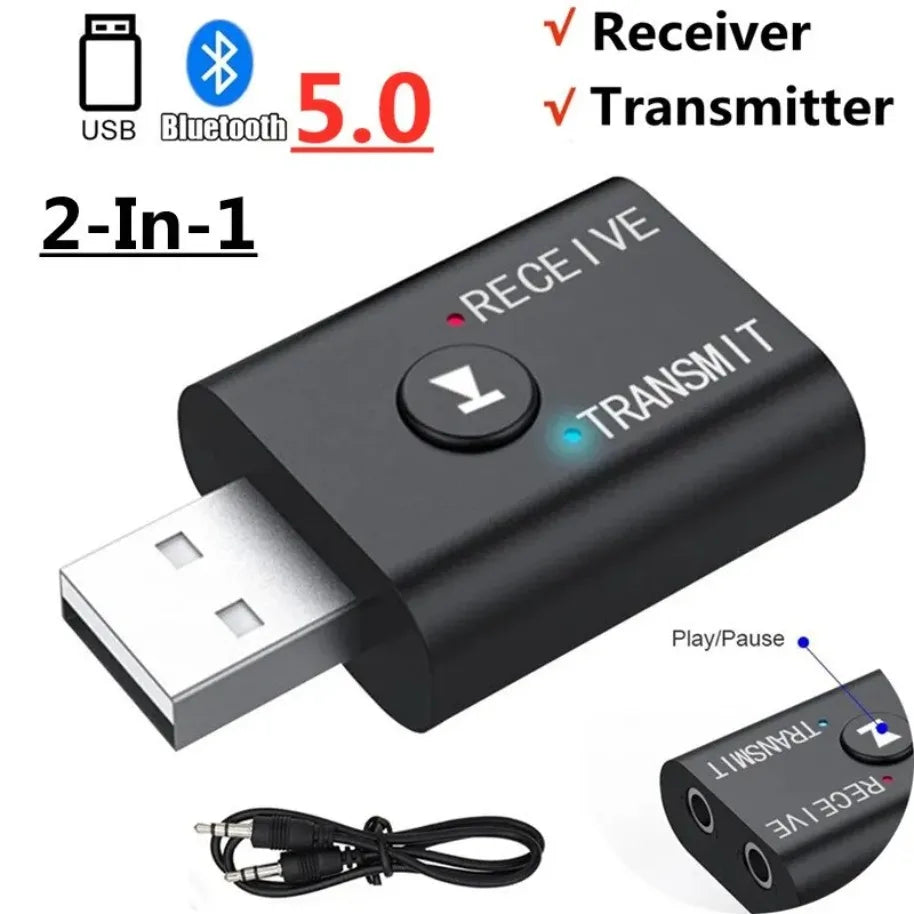
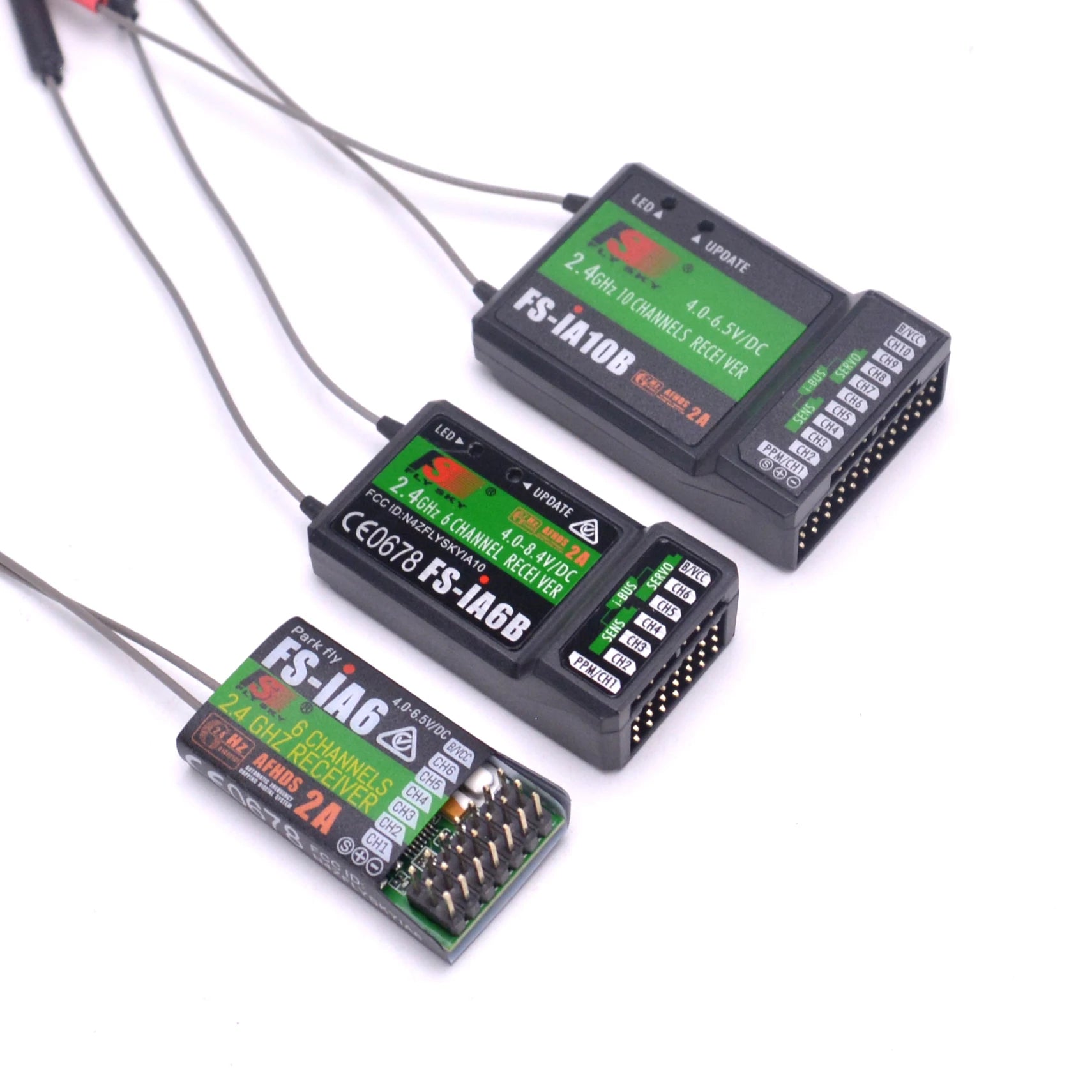
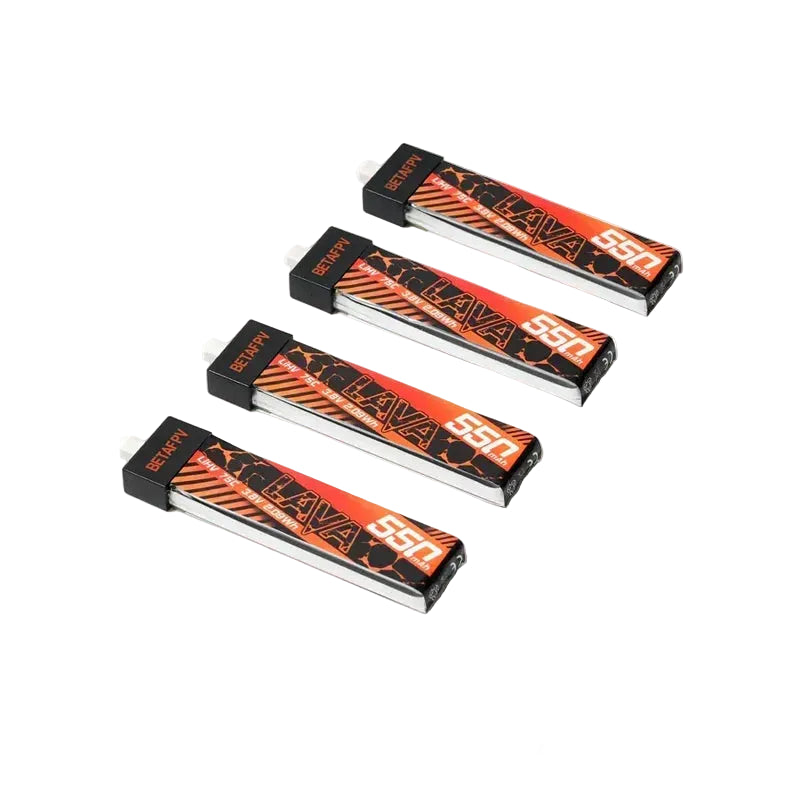
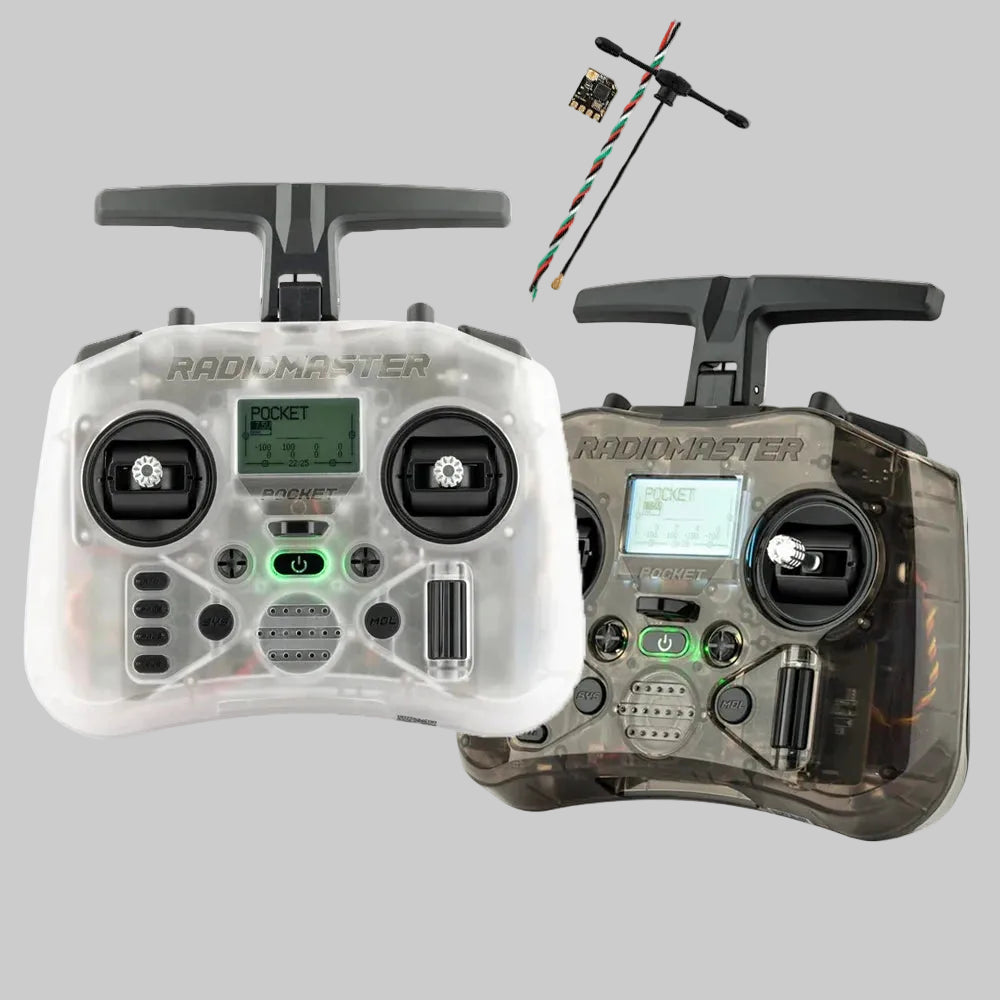
Who this is for
Built around practical buying roles: stock, repair, builds and repeat supply.
Dealers & Local Sellers
Repeat stock for RC, drone and FPV shelves, local customers and online listings.
Send restock listRepair Shops
Motors, props, frames, receivers, chargers, cables and common replacement parts.
Browse repair partsBuilders & Teams
Mixed-category buying for builds, training kits, clubs, events and content teams.
Request mixed quoteSupply Partners
Brand, sourcing or product conversations that fit DronKart’s catalog direction.
Contact supportSupply focus
DronKart focuses on RC, drone and FPV parts where Chinese manufacturers and component supply chains are especially active, including motors, frames, batteries, chargers, radio accessories, FPV video gear and replacement parts. This matters most when buyers need repeat supply, substitutes or hard-to-match components.
How this helps buyers
The goal is simple: help practical buyers move from an imperfect list to the right checkout or quote path.
Start with links, SKUs, model names, photos, screenshots or similar item references when the exact store link is missing.
Use notes for connector type, protocol, size, brand or must-match details so sensitive parts are not guessed.
Share current quantity, backup quantity or expected repeat need for repair benches, teams and local sellers.
Clear single items can go through checkout. Bulk, BOM, restock and hard-to-match lists can move through quote support.
The page keeps product categories, brand paths and quote-list instructions together, so buyers can browse known items, send missing details when needed, and avoid forcing every request into a normal cart order.
What to send
Requests move faster when the buying details are concrete.
Where to submit: send the list through the Request Quote page. Include quantities, delivery region and substitute rules.
No exact link? Send the product name, brand, model number, size/spec, photo, screenshot or a similar item link. We can check the closest available path.
Helpful context, not a requirement: if this is for a shop, seller, repair bench or team, include any useful context such as store type, sales channel, main product categories or expected repeat quantity. If you are not sure yet, send the product list first.
Submit listHow it works
A simple process for orders that need checking before checkout.
Send the list
Share links, SKUs, photos, names, quantities and any must-match requirements.
Check fit and stock
We review categories, alternatives and quantity-sensitive items where needed.
Use the right path
Standard items can go through the store; bulk, BOM or restock needs can use quote support.
Common supply paths
Start from categories that usually matter to partner buyers.
Ready to send a mixed-category request?
Send the details first. Clear quantities and substitute rules make the next step easier.